This effect is being prepared. Photo uploads stay on your device until you generate.
No licensed soundtrack is bundled. Add music in your publishing app. Download promptly. Generated file links are retained for up to 7 days; My videos keeps your job history.
Concept illustration
Your video goes here
Illustrations explain each style. Real VerseBooth samples will appear after testing.
60 credits
What is an AI rap video?
An AI rap video is a short clip in which an AI video model animates the person in your photo performing a rap scene: stepping up to a microphone, moving with the beat and playing to the camera. You do not film anything, write a prompt or edit a timeline. You choose a style, add a photo, and the model creates every frame of the scene.
VerseBooth focuses on two scenes that people love to share: a two-person duo trading verses at one microphone, and a solo street freestyle. Keeping the choice small means each style can be tuned and tested properly before it opens, instead of offering dozens of templates that look the same.
VerseBooth is run independently at versebooth.app. It is an entertainment tool, not a way to imitate real artists: every clip is generated from photos that users have permission to use, inside scenes we designed ourselves, and every video should be shared as AI-generated.
Two AI rap video styles
Rap Duo
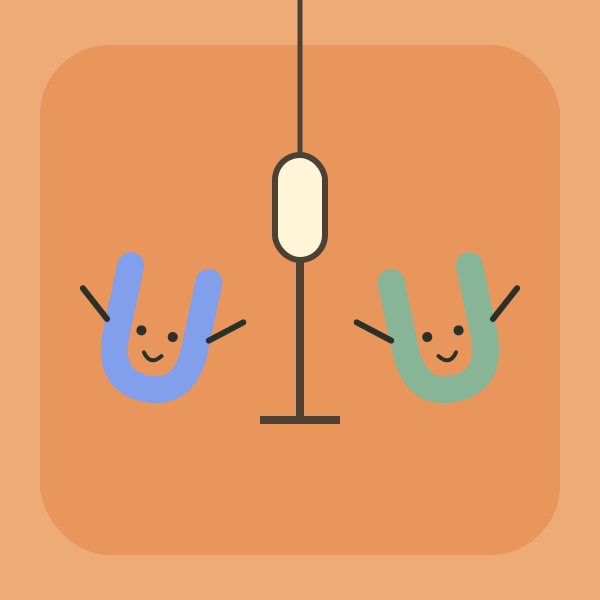
Two people share one hanging microphone in an orange studio booth and take turns on the verse while the other one nods along. Add one photo per person; each photo guides one performer, so the left and right roles stay matched to the right face. The clip is about 12 seconds in vertical 9:16, made for Reels, Shorts and TikTok. It works well for best friends, siblings, couples and coworkers.
Street Freestyle
One person leads an outdoor cypher, rapping straight into a handheld camera with confident gestures while a small crowd hypes them up. It needs a single clear photo and makes a clip of about 15 seconds in 9:16. It is the simplest way to put yourself, or a willing friend, at the centre of an AI rap video.
How to make an AI rap video in 3 steps
1
Add your photos
One clear photo for Street Freestyle, or one photo per person for Rap Duo.
2
Pick style and quality
Choose Rap Duo or Street Freestyle and 480p or 720p; the credit cost is shown before you start.
3
Download and share
Your AI rap video appears on the page and in My videos; download it within 7 days.
Ideas for your AI rap video
Birthday shout-out
Put the birthday person on the mic and send the clip to the group chat before the party starts.
Best-friend duo
Two photos, one booth: the classic way to turn an inside joke into a ten-second performance.
Couple verses
An anniversary or long-distance surprise where you both finally get the same stage.
Team hype clip
Celebrate a launch, a win or a new teammate with a quick freestyle that everyone can share, with everyone's agreement.
Tips for a better AI rap video
Use a clear, front-facing photo of one person per image, taken in good light.
Head-to-waist photos work better than tight selfies or full-body shots from far away.
Avoid sunglasses, hats, masks or hands covering the face.
For a duo, pick two photos with similar framing and lighting so both performers look natural together.
Clips are silent: add a sound you are allowed to use when you post, and label the video as AI-generated.
AI rap video pricing
Buy credits once and use them on either rap style. No subscription, and credits do not expire.
Preview pricing. Purchases open after generation costs are verified.
A little fun
$9.90
60 credits
About 1 Rap Duo video at 480p
Works for both rap styles
Purchased credits do not expire
Confirmed failed jobs return credits
Bring the crew
$24.90
200 credits
About 3 Rap Duo videos at 480p
Works for both rap styles
Purchased credits do not expire
Confirmed failed jobs return credits
Keep it going
$49.90
500 credits
About 8 Rap Duo videos at 480p
Works for both rap styles
Purchased credits do not expire
Confirmed failed jobs return credits
Counts vary with effect, length and resolution.
AI rap video FAQ
What is VerseBooth?
VerseBooth is an AI video tool that animates the person in your photo into a short rap scene, such as a two-person mic session or a street freestyle. Every clip is AI-generated; it is not footage of real artists.
Can I make a video today?
Not yet. Video generation and purchases open after our test samples pass review. Prices shown are previews and nothing can be bought until then.
Whose photos can I use?
Your own, or adults who agreed. Photos of public figures and minors are not allowed.
How do I contact you?
Email support@versebooth.app. We usually reply within two business days.
How long is an AI rap video?
Rap Duo clips are about 12 seconds and Street Freestyle clips about 15 seconds, both vertical 9:16. You choose standard 480p or HD 720p before you generate.
Does the AI rap video include music?
No. Videos are silent so you can add a sound you have the rights to use in TikTok, Reels or Shorts. VerseBooth does not provide or claim any songs.
Is it a deepfake of real artists?
No. VerseBooth only animates people in photos you upload with their permission, in its own scenes. It does not copy real performances, and public figures are not allowed.
Can I make an AI rap video on my phone?
Yes. VerseBooth runs in the browser, so you can pick photos from your camera roll, generate the clip and download it straight to your phone. No app install is needed.
What happens if a video fails?
If a generation is confirmed as failed, the credits it used go back to your balance automatically. If the status is unclear, we check it before refunding so you are never charged twice.